ANKURA SKY / HOTEL TECHNOLOGY
Network Infrastructure
A stable network is the invisible foundation of every digital service.
We design Wi‑Fi, switching, VLANs, multicast and server infrastructure around real hotel operations.
01 /
The network as the foundation of digital infrastructure
Customers usually notice the network only when it stops working.
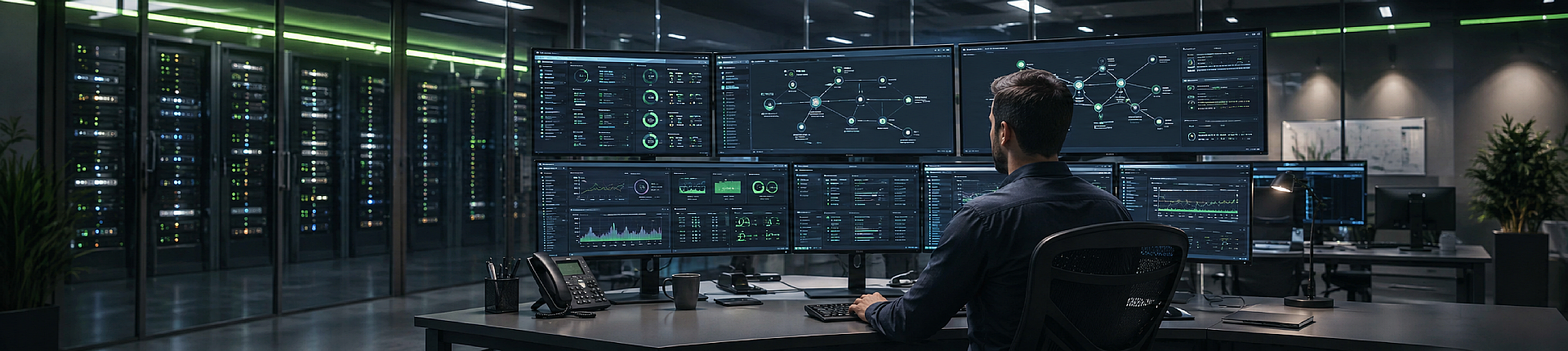
When network infrastructure is built correctly, it remains almost invisible. Users simply connect to Wi‑Fi, computers and phones work, video is transmitted from cameras, and televisions, information displays and other networked systems continue to operate.
Yet behind this apparent simplicity lies much more than switches, routers and access points. A modern network serves systems with different requirements for speed, latency, security and operational stability at the same time. Guest Wi‑Fi, video surveillance, IPTV, staff computers and automation systems generate different kinds of traffic that should not always be handled in the same way.
The network architecture determines how it will perform under load, how different systems will interact and what will happen if one of its components fails.
That is why network quality should be assessed not only by port speeds or the number of access points, but by its predictability, manageability and ability to continue performing its functions under real operating conditions.
A well-built network must also be able to evolve. The number of users and devices grows over time, new systems and services appear, and bandwidth requirements change. If this growth is anticipated when the network is designed, future expansion will not require a complete rebuild.
02 /
Selecting active network equipment
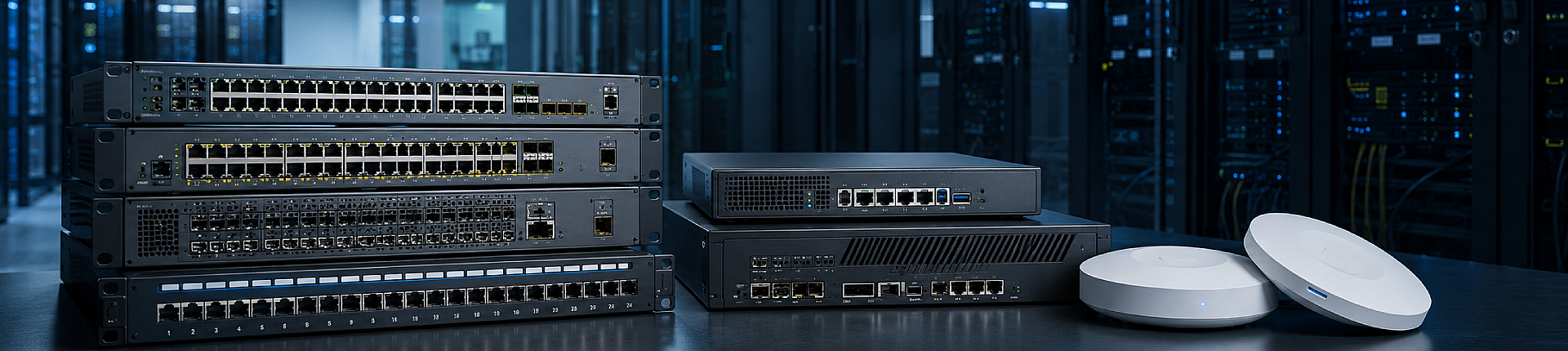
Switches, routers, access points and other active components are among the core elements of network infrastructure. Selecting this equipment begins not with a brand name or a port count, but with an understanding of the required functionality and operating conditions.
Every factor matters: the current and future number of users and connected devices, traffic types, required bandwidth, equipment power requirements, PoE use, centralized management, redundancy and future expansion.
It is also important to understand the role of each device in the network. A switch connecting a few workstations operates under very different conditions from one carrying traffic from dozens of cameras, access points or televisions. Backbone equipment, in turn, must transfer large volumes of data between different parts of the network.
PoE power requires particular attention. Counting PoE ports is not enough: the total power demand of connected devices, an appropriate reserve and the load on the switch power supply must all be considered.
The equipment must not only provide the required speed, but also operate reliably under load and behave predictably in different operating modes.
At the same time, unnecessary complexity increases cost and makes maintenance harder, while excessive simplification leaves the network without sufficient capacity or functionality.
03 /
The cost of enterprise-class equipment
At first glance, two switches or routers may have the same number of ports, support the same speed and offer a similar set of basic features. Identical specifications, however, do not mean that the equipment will perform equally well under real load or provide the same level of reliability.
Equipment cost is shaped by many factors: internal architecture, the number and performance of processors, component quality, memory capacity, switching fabric bandwidth, power and cooling systems, and stability during peak loads.
The price may also include the software support period, frequency of updates, warranty terms, centralized management capabilities and access to technical support.
Enterprise-class equipment is not necessary for every network. In many cases, mid-range equipment can fully meet the required objectives.
However, a lower purchase price may lead to additional costs later: more administrator time for manual configuration, separate devices to provide missing functions, more difficult troubleshooting and financial losses during downtime.
Equipment should therefore be evaluated not only by its purchase price, but by the total cost of using it throughout its service life.

04 /
An overview of network equipment brands
Network equipment manufacturers take different approaches to building, managing and developing networks. A brand name alone does not determine the quality of the final solution, because even one manufacturer may offer product ranges that differ greatly in performance, functionality and intended use.
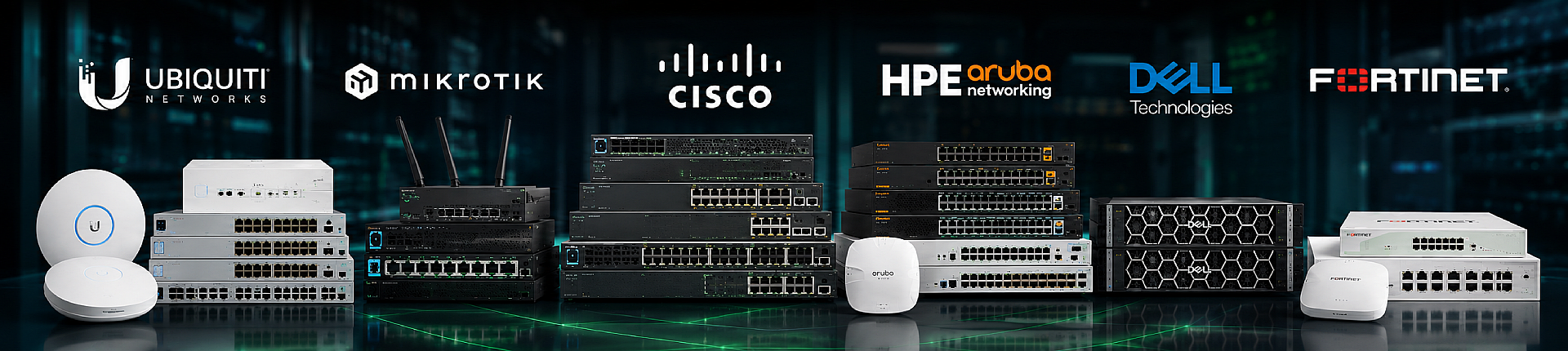
Cisco and HPE Aruba offer comprehensive solutions for networks where every element matters: scalability, redundancy, advanced controls and a long technical support lifecycle. This equipment is used in complex enterprise environments, large institutions and facilities with demanding continuity requirements. Its implementation may also involve additional licensing, specialist administration and support costs.
MikroTik provides a broad set of routing, switching, traffic management and network security capabilities at a comparatively accessible equipment cost. The flexibility of RouterOS supports solutions of different sizes, but requires an understanding of each device’s internal architecture and the correct distribution of functions between devices. The presence of a software feature does not mean that every model can deliver it at the same speed.
Ubiquiti UniFi and TP-Link Omada develop their own ecosystems for centralized management of routers, switches and access points. This approach simplifies configuration, monitoring and maintenance, particularly when equipment is distributed across several properties. The capabilities of individual models and the implementation of required functions must still be verified before equipment is selected.
A network does not necessarily need to use equipment from only one manufacturer. Combining different brands can be justified when every device has a clearly defined role, the equipment interoperates correctly and the resulting structure does not create unnecessary administrative complexity.
The cost of equipment from a particular brand should be viewed not merely as the price of the hardware, but as the total cost of ownership. This includes administration, updates and support, operational stability and the network’s ability to withstand peak loads without degrading service quality.
The final choice should therefore be based not on brand popularity, but on how well the equipment matches the functions, scale and operating conditions of the specific network.
05 /
Network functionality
When designing a network, it is necessary to determine in advance which functions will be used, which equipment will provide them and how they will be supported during ongoing operation.
- VLAN — logical separation of one physical infrastructure into distinct networks for administration, guests, video surveillance, televisions, Digital Signage, VoIP and service devices.
- STP, RSTP and MSTP — control of redundant paths and protection against network loops.
- LACP and Link Aggregation — combining physical links and providing connection redundancy.
- QoS — prioritization of critical or latency-sensitive traffic.
- Multicast, IGMP Snooping and IGMP Querier — management of multicast traffic for IPTV and other relevant systems.
- DHCP, DNS, inter-VLAN routing and ACLs — distribution of network parameters and controlled access between individual segments.
- 802.1X and access control — authorization of users and devices before they connect to network resources.
- Redundancy for gateways, uplinks and other critical nodes — keeping the network operational when individual components fail.
Simply listing a function in the equipment specifications is not enough. It is necessary to understand how the function is implemented, the load it places on the device and whether a specific model can deliver the required performance when several functions operate simultaneously.
For example, VLAN or inter-VLAN routing support does not mean that every switch will perform equally well as the central routing node. Likewise, multicast requires not only a corresponding switch feature, but correct interaction between IGMP Snooping, the Querier and routing across the entire network.
The required functions must not only appear in the specifications; the selected models must support them with the necessary performance, management method and licensing terms.
06 /
Wireless Wi‑Fi network
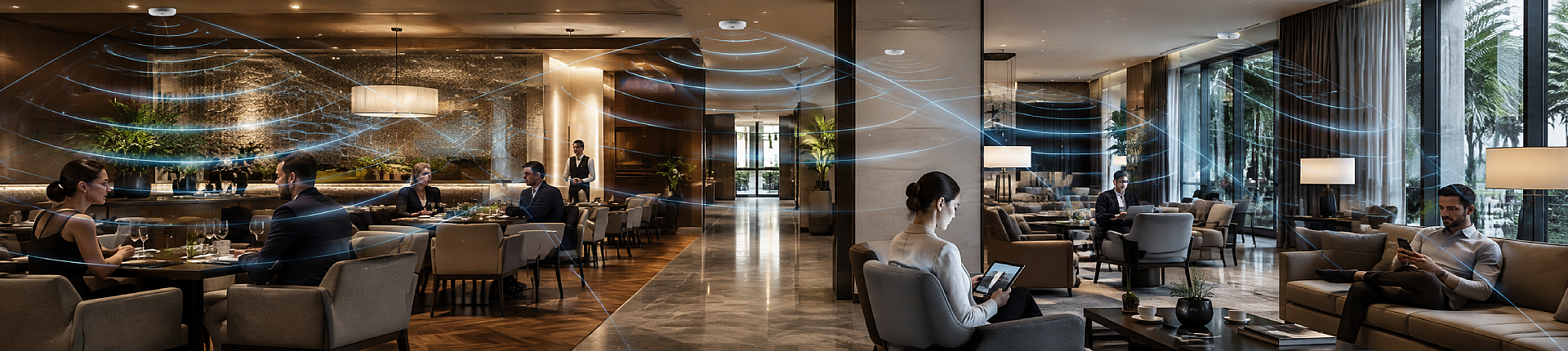
The presence of a Wi‑Fi signal does not mean that the wireless network is performing well. Coverage only indicates that a device can see an access point; it does not guarantee the required speed, a stable connection or reliable operation under load.
Wi‑Fi design must consider the area and layout of the premises, wall and floor materials, the number of users and devices, neighbouring wireless networks, required bandwidth and how users move between zones.
Different spaces can place very different loads on the network even when their floor area is similar. A hotel room, restaurant, conference hall and lobby differ in the number of simultaneous users, traffic patterns and wireless network requirements.
These inputs determine the number and placement of access points, transmit power, frequency bands, channel width and radio-channel allocation.
User movement between access points is a separate consideration. The network should allow a smartphone, tablet or other device to move to an access point with better connection parameters in time, rather than remain attached to a distant point simply because its signal is still technically available.
Real-world design must also account for external factors, including nearby wireless networks and powerful sources of radio-frequency emissions that may cause interference and affect connection stability.
It is also important to understand that an excessive number of access points or maximum transmitter power does not always improve the result. It can create mutual interference, congest the radio spectrum and make roaming between access points more difficult.
A wireless network should therefore be calculated as one system together with the cabling infrastructure, switches, PoE power and centralized management tools.
07 /
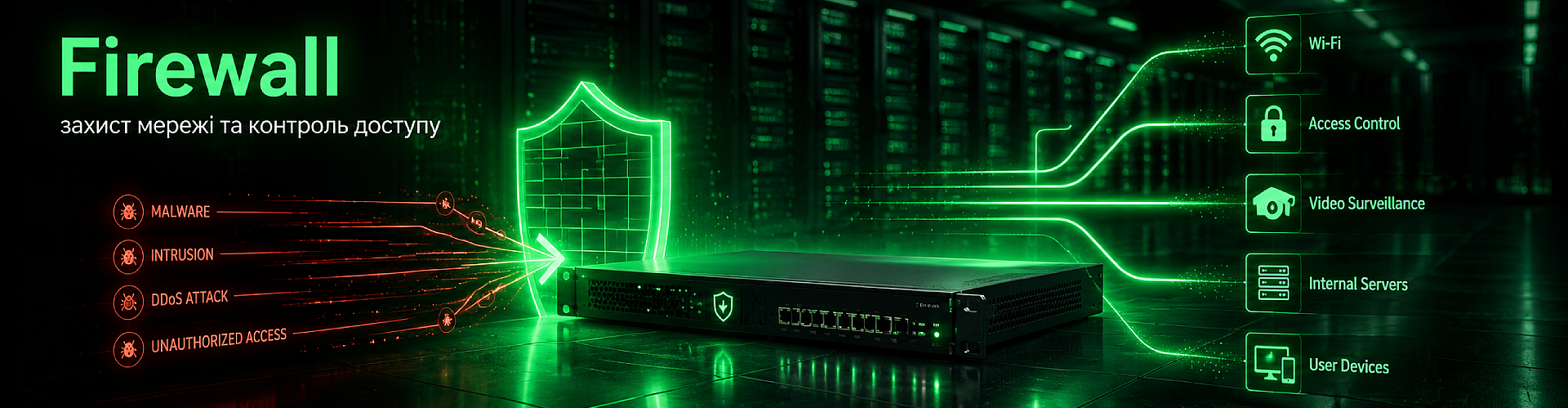
Firewall — network protection and access control
Basic firewall functions are available in most modern routers. For a small network, they may be sufficient to restrict unwanted connections from the internet, separate access between VLANs and provide remote connectivity through a VPN.
A separate specialized device is therefore not necessary for every customer.
A dedicated firewall can cost several thousand dollars because it is not simply another router. Such equipment can analyse network traffic, detect suspicious activity, block specific types of applications and threats, control user access, maintain detailed event logs and support a large number of VPN connections.
Its cost may also include licences, threat-database updates and technical support.
Firewall performance must be assessed with the protection functions actually enabled. Routing speed without additional traffic analysis and the performance of the same device with active inspection can differ significantly.
A dedicated firewall is justified when the network serves many users, stores important data, provides remote access, or when unauthorized access could cause real financial losses.
In other cases, a correctly configured firewall within the router may be sufficient.
The objective is not to install the most complex security solution possible, but to match its capabilities to the real risks and operating profile of the network.
08 /
Network administration
Administration is a necessary intervention in an already built and configured network. It is required to make changes, install updates, connect new equipment and resolve faults.
In normal operation, a properly built network should perform its functions without constant manual intervention.
Higher-class equipment usually offers more tools for automatic control, redundancy, centralized management and recovery after failures. This reduces the network’s dependence on the constant presence of an administrator.
Simpler equipment may deliver the required result, but more often requires manual configuration, monitoring and troubleshooting.
Administrative complexity also depends on the functionality of the network itself. The number of VLANs, access rules, redundant links, VPNs, wireless networks and connected systems directly affects the volume of configuration and monitoring work and the administrator’s required expertise.
At the same time, a well-designed architecture can reduce this burden even in a complex network.
Documentation plays an important role. Network diagrams, VLAN and IP address tables, port and cable labels, saved device configurations and descriptions of key settings make it possible to restore operation more quickly after a fault and greatly simplify future expansion.
A lower initial equipment cost therefore does not always mean lower overall expenditure. Part of the initial saving may later be spent on additional administrator time needed to keep the network stable and predictable.

09 /
Passive network infrastructure
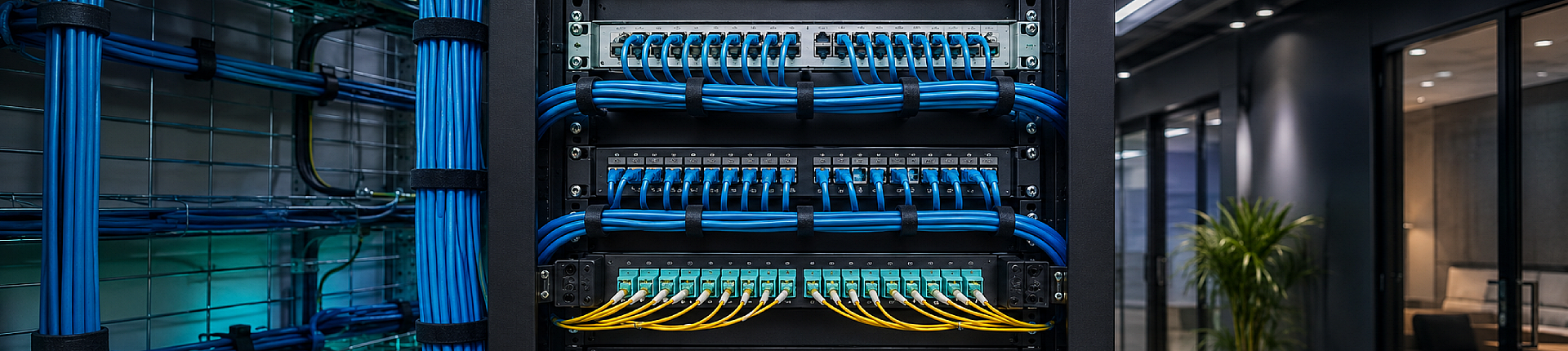
Passive network infrastructure is the physical foundation on which all active network equipment operates. It includes copper and fibre-optic cabling, outlets, patch panels, fibre distribution frames, patch cords, telecommunications cabinets, cable managers and other components of the structured cabling system.
Unlike a switch, router or access point, which can be replaced relatively quickly when necessary, cable routes are often installed inside walls, ceilings, shafts and other building structures. Replacing them after construction and finishing work is complete can be difficult and expensive.
Passive infrastructure should therefore be designed not only for current requirements, but with capacity for future network growth.
The design considers the location of telecommunications cabinets, server and technical rooms, cable-route lengths, and the number of workstations, access points, cameras, televisions, information displays and other network devices. Spare and future-use lines should also be provided wherever adding them after construction would be difficult.
Copper cabling of the appropriate category is generally used for horizontal distribution, while fibre optics may be used for backbone links between floors, buildings or remote nodes.
The cable specification alone does not guarantee the quality of the completed link. Patch panels, outlets, connectors, patch cords, route length, permitted bend radii, installation method and workmanship all affect the result.
This becomes especially important with PoE, where one cable carries both data and power for access points, IP cameras, telephones, information displays and other devices.
Inadequate cable quality, poor contacts or incorrect installation can cause additional losses, heating and unstable equipment operation even when the active network components have been selected correctly.
The organization of telecommunications cabinets is equally important. Cable and port labels, logical placement of patch panels and switches, cable management and up-to-date documentation greatly simplify maintenance, troubleshooting and future expansion.
Properly built passive network infrastructure can remain in service far longer than individual generations of active equipment. The quality of its design and installation therefore has a direct impact on the reliability, maintainability and development potential of the entire network.